1 Import
Your code analyzed. Your project mapped.
CoreAnalyzer brings findings, architecture and relationships between files together in a verifiable report for your teams and AI agents.
Discovery and Essential: Web. Pro: Web, CLI and CI/CD; MCP in beta, on request.
2 SOFTWARE MAPPING
Analysis and relationships
The deterministic engine examines the code and collects available signals, references and relationships.3 Secure exports
Secure exports
Native .CDP, optional JSON, encrypted .CDP.4 Final purge
Non-retention & final purge
Source files are purged after processing; reports follow the documented retention window for the selected workflow.Incubated by TechForward

EDHEC · EURECOM · Institut Mines-Télécom
accompanied by NiceStartUp
A report to inspect, not just a score.
Review findings, locate their references and explore the relationships present. Keep the report to reopen, compare or share it according to your access rights.
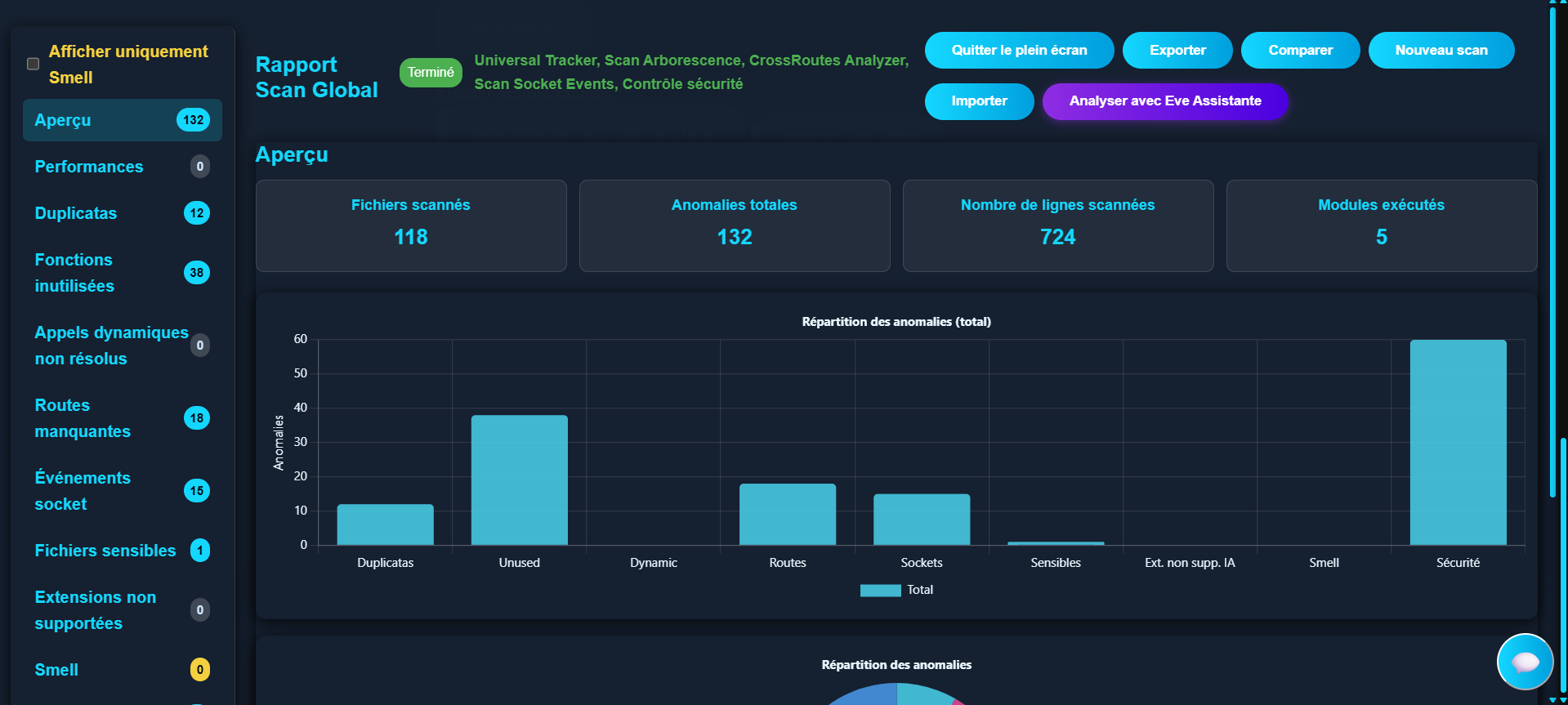
A deterministic engine. Explicit boundaries.
PROPRIETARY ENGINE
Code analysis does not depend on an AI model.
CoreAnalyzer runs the analysis with a deterministic proprietary engine. AI agents can use the artifacts afterwards, without replacing the analysis itself.
NON-RETENTION
Documented, temporary processing.
Sources are processed temporarily. Report availability and cleanup depend on the workflow used.
Follow a finding back to the project.
Available context depends on the language, the code and the evidence collected. The report keeps what is established separate from what still needs verification.
Locate the result
Find its category, file and cited line. Check the analyzed scope before interpreting a total.
Explore the available context
Inspect the routes, symbols, dependencies or safeguards linked to the result when they are present.
Decide what to verify
Distinguish established evidence from assumptions that require source review, tests or runtime context.
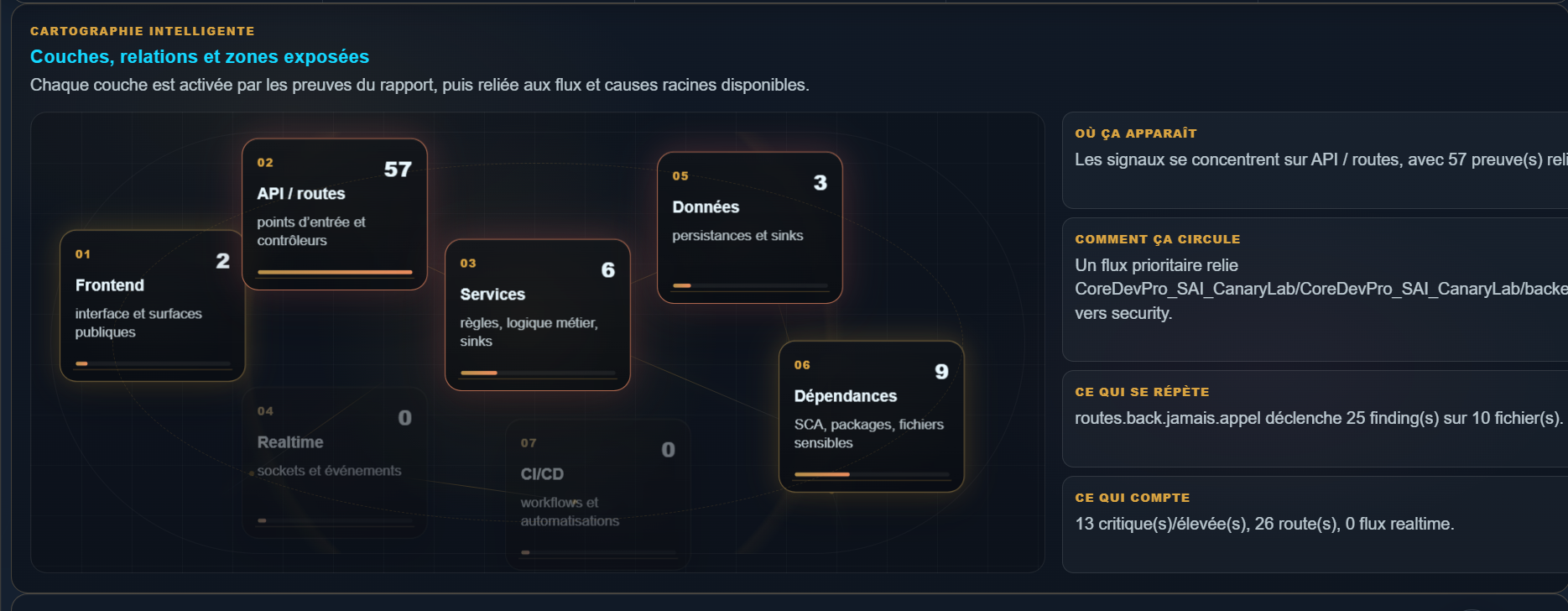
Explore the context with SAI.
SAI organizes the report already produced by CoreAnalyzer: application layers, available relationships and investigation paths. It does not run a second analysis.
Prioritize the review
Group results by layer, category and available context.
Find the references
Return to the cited files and lines to verify each result.
Reuse the report
Share structured context with your teams or AI agents. Quality and token savings remain to be measured.
Choose how you use CoreAnalyzer.
The same engine and report views. Plans vary volumes, exports and access channels, not analysis quality.
Target audience:
For Web, CLI and CI/CD. MCP is in beta, on request and by invitation.
Included exports:
Native .CDP, JSON, encrypted .CDP, PDF/HTML/CSV
- Up to 100 analyses per month · 1 active project
- Up to 50 MB of source code, config and infra files — binary assets excluded.
- Web, CLI and 1 CI/CD integration on request
- Advanced exports; MCP beta on request
Start with a project you know.
Review the findings and references to assess what CoreAnalyzer adds to your review.